Quick Answer
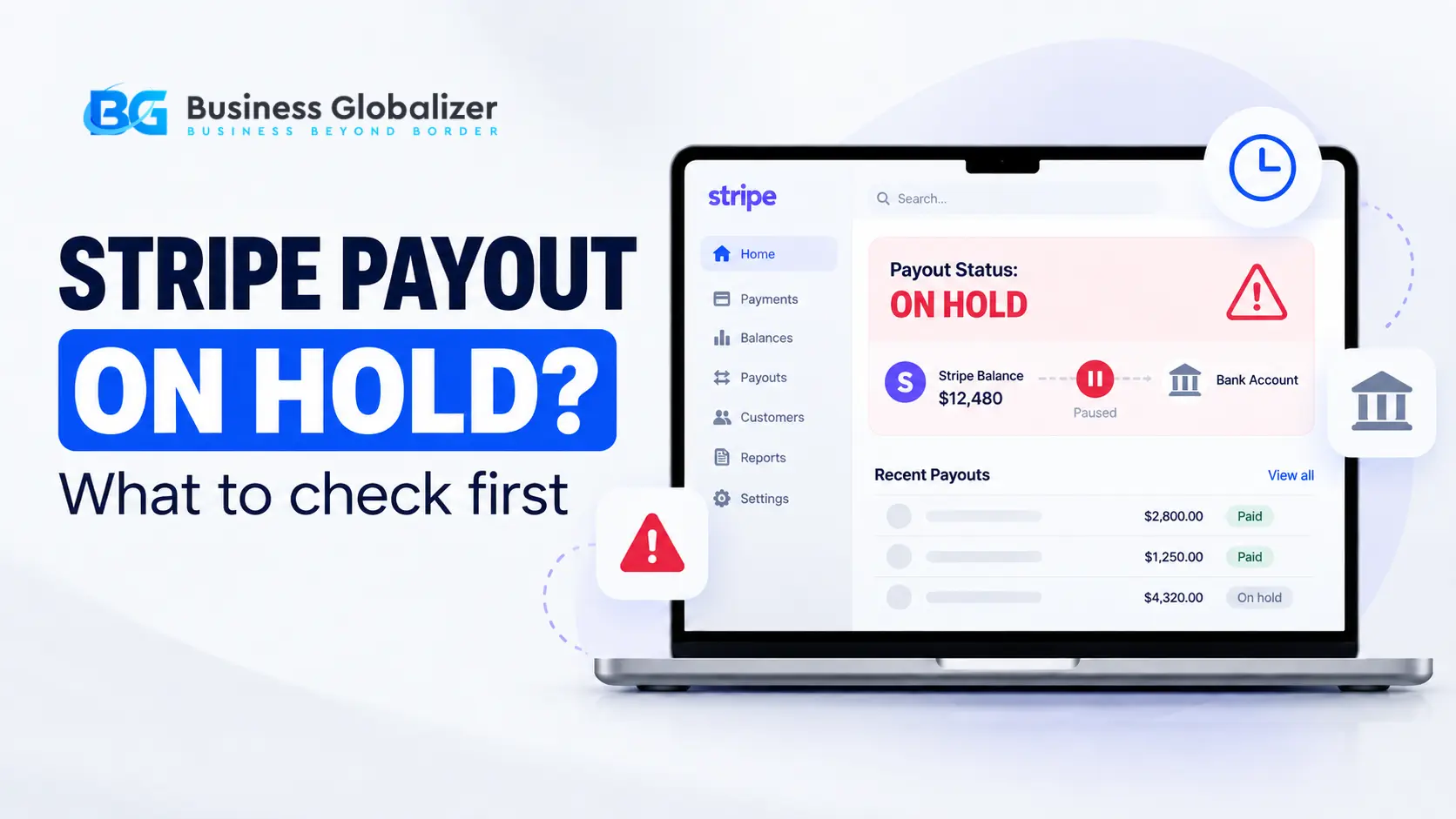
If your Stripe payout is on hold, first check the Dashboard and your email. Verification, bank details, account requirements, reserves, disputes, or a wider account review may be stopping the payout.
Your Stripe account is still taking payments. Customers are paying normally. The balance is growing. But the money is not reaching your bank.
That combination can make a Stripe payout on hold feel more alarming than it actually tells you. The immediate thought is usually, “Has Stripe suspended my account?”
Well, not necessarily.
Stripe restrictions are not always all-or-nothing. A payout can be paused while other parts of the account continue working, and the reason could be anything from an unfinished verification request to a bank-account problem or a broader review.
So before changing your bank, uploading every document you own, or opening another setup, find out what Stripe is actually asking for.
What Does a Stripe Payout on Hold Mean?
A payout hold generally means money in your Stripe balance cannot currently be transferred to your connected bank account or another external payout destination.
That is different from saying the entire Stripe account has been permanently banned.
Stripe’s own support guidance explains that payouts may be paused while an account continues receiving payments. When outstanding account requirements are the cause, payouts remain unavailable until those requirements are resolved.
So you can broadly run into three different situations:
- Payouts paused: Payments may continue, but funds are not being sent to your bank.
- Payments and payouts restricted: New payments and bank payouts can both be affected.
- Account no longer supportable: A more serious situation where Stripe determines it cannot continue supporting the business.
Your Dashboard notice matters far more than the word “restricted” by itself.
Why Did Stripe Pause My Payout?
There is no single cause.
The research correctly identifies several recurring triggers: missing verification, bank issues, wider risk review, disputes, refunds, transaction changes, and inconsistencies between business information and actual activity.
Here are the main areas worth checking.
- Verification Is Still Incomplete
Verification is one of the most common reasons a payout date keeps getting postponed. Stripe specifically advises account owners with delayed payouts to check the Dashboard and email for outstanding information requests.
Depending on the account and country, Stripe may need to verify:
- Identity
- Home address
- Business information
- Tax information
- Beneficial owners or directors
- Bank account
- Website or business activity
If Stripe cannot verify information automatically, additional documents may be requested.
- Your Bank Information Needs Verification
A payout problem does not always begin with Stripe’s risk team. Sometimes the receiving bank information itself needs attention.
Stripe may verify that the legal owner of the bank account matches the information attached to the Stripe account.
For a U.S.-based business, acceptable bank-ownership evidence may include:
- A bank statement
- A voided or cancelled check
- A bank letter
The required owner name depends on the business structure. For example, an LLC, corporation, partnership, or charity generally needs a bank account registered under the company’s legal business name or an accepted DBA.
Changing payout details can also trigger an ownership check because Stripe needs to confirm that the person attempting to change where the money is sent is actually authorized to do so.
So blindly replacing bank details may make troubleshooting harder rather than easier.
- Stripe Wants to Verify Your Website or Business
Your website is part of Stripe’s understanding of your business.
Stripe may ask to confirm that you control the website connected to the account or to better understand what products or services are being sold. If website ownership cannot be confirmed, Stripe says payouts may be paused until the issue is resolved.
A clear business website should make basic questions easy to answer:
- What do you sell?
- How can customers contact you?
- How does delivery or fulfillment work?
- What is your refund or cancellation policy?
- Do your website, Stripe account, and business records describe the same business?
It has been observed that mismatches between website, bank, company, owner, and transaction information can attract further review.
- Funds May Be Held in Reserve
A reserve is not exactly the same thing as an account suspension.
Stripe may create a reserve balance to make sure enough money remains available for expected refunds or disputes. Funds placed in that reserve cannot be paid out until the applicable reserve hold period ends.
That means the money can still appear inside Stripe without being fully available for withdrawal. Refund and dispute activity can also reduce the available balance. If refunds or disputes exceed available funds, the payments balance can become negative.
This is why looking only at the total Stripe balance can be misleading. The important question is how much is actually available for payout.
- Disputes, Refunds, or Unusual Activity May Increase Risk
Stripe monitors payment activity because it carries financial exposure when transactions are later refunded or disputed.
Research into payment-account reviews highlights signals such as:
- Sudden payment-volume increases
- High dispute or chargeback activity
- Unusual refund patterns
- High-ticket transactions
- Fraud signals
- Long fulfillment times
- Changes in business or transaction behavior
That does not mean one refund or one large order automatically causes a restriction.
The broader point is that Stripe continually evaluates account and transaction risk after onboarding. Being approved when the account was opened does not mean verification and review can never happen again.
Restricted Business Is Not the Same as Prohibited Business
This distinction matters.
Stripe describes restricted businesses as categories that may require additional due diligence and, in some cases, explicit approval before Stripe can support them.
Its current restricted categories include certain businesses involving areas such as:
- Crowdfunding
- Dating
- Telemedicine and pharmaceuticals
- CBD
- Certain cryptocurrency activities
- High-value goods
- Stored-value products
- Payment facilitation
- Some travel businesses
The list also changes by jurisdiction.
A prohibited business is different. Stripe does not permit certain businesses or activities at all, including illegal products and services and other expressly prohibited uses.
So “restricted” does not automatically mean “banned.” But it may mean Stripe needs more information before deciding whether it can continue providing a particular service.
My Stripe Worked for Months. Why Is It Asking Again?
Because onboarding is not necessarily the last verification event. Several things can change after an account starts operating:
- Bank details
- Business address
- Ownership
- Directors
- Website
- Transaction volume
- Products or services
- Compliance requirements
- Documents or identity information
Stripe is required to collect and maintain account information, and it can request updates when required. So a second verification request does not necessarily mean the first verification “failed.”
It may simply mean Stripe needs updated or additional information based on the account’s current circumstances.
What Should You Check First?
If your Stripe money appears stuck, start with the evidence Stripe has already given you.
Step 1: Check the Dashboard
Look for:
- Verification banners
- Account requirements
- Payout notices
- Bank-verification requests
- Website-verification requests
- Reserve information
Step 2: Check Your Email
Stripe often sends an email when action is required to resume payouts.
Step 3: Identify the Actual Trigger
Ask whether the issue is:
- Verification
- Bank ownership
- Website/business information
- Reserve
- Negative balance
- Disputes/refunds
- Restricted-business review
- Another Stripe-requested action
Step 4: Provide Only What Is Requested
Do not upload unrelated documents simply because the payout is delayed.
Stripe’s verification requirements are specific. A bank-ownership problem needs different evidence from an identity or website-verification issue.
Step 5: Contact Stripe When the Requirement Is Unclear
If the Dashboard does not explain the issue clearly, Stripe Support is the appropriate place to confirm the account-specific requirement.
How Business Globalizer Can Help
A Stripe payout problem is much easier to work on once you know what is actually blocking the money.
Business Globalizer helps U.S. and non-U.S. founders review common Stripe setup and compliance issues, including:
- U.S. company formation
- EIN application
- ITIN application assistance
- Registered agent support
- Business documentation
- U.S. business banking support
- Stripe account setup guidance
- Verification-document preparation
- Business and website information review
- U.S. tax and compliance guidance
If your payout is paused, our focus is not to promise that every Stripe restriction can be removed.
It is to help you identify whether the problem appears to involve verification, banking, company information, documentation, or another account requirement so you can address the right issue first.
Before We Call It a Day
A Stripe payout on hold gives you a symptom. It does not give you the diagnosis.
Payments may still be coming in. Your account may need one missing document. Your bank details may need verification. Funds may be sitting in reserve. Or Stripe may be conducting a broader review.
That is why the first reaction should not be panic or random changes.
Open the Dashboard. Read the notice. Check your email. Identify the exact trigger. Then fix that problem. Because when your Stripe funds are stuck, guessing is usually the most expensive place to start.
Key Insights
- A Stripe payout on hold does not automatically mean your account has been permanently closed.
- Payments can sometimes continue while payouts to your bank remain paused.
- Incomplete identity, business, website, tax, or bank verification can delay or pause payouts.
- Stripe may verify bank ownership and require the account holder name to match the Stripe business details.
- Refunds, disputes, negative balances, or expected financial risk can affect how much money is available for payout.
- Restricted businesses may require additional Stripe approval or due diligence; prohibited businesses are treated differently.
- The best first move is to check your Stripe Dashboard and email for the exact requirement instead of changing information at random.
FAQ
- Why is my Stripe payout on hold but payments are still coming in?
Answer: Stripe can pause payouts without necessarily blocking incoming payments. This may happen when account requirements, verification, or another payout-related issue is still outstanding.
- How do I know why Stripe paused my payouts?
Answer: Check both your Stripe Dashboard and the email address linked to your account. Stripe says outstanding verification requirements are a common reason payout dates are postponed.
- Can bank verification stop a Stripe payout?
Answer: Yes. Stripe may need to confirm that the bank-account ownership information matches the Stripe account. Bank statements, voided checks, or bank letters may be accepted depending on the country.
- Can Stripe pause payouts because of my website?
Answer: Yes. Stripe may request website ownership or business verification, and it states that payouts may be paused if website ownership cannot be confirmed.
- Does a Stripe payout hold mean my account is permanently banned?
Answer: No. A payout pause can be a temporary restriction while requirements are outstanding. A permanent account-support decision is a different situation.
- Why does Stripe hold money in reserve?
Answer: Stripe may maintain a reserve to ensure sufficient funds are available for expected refunds or disputes. Reserved funds cannot be paid out until the applicable hold period ends.
- Can Stripe ask for verification again after my account was approved?
Answer: Yes. Account information, business circumstances, regulatory requirements, bank information, or ownership can change, and Stripe may require updated verification information.
- Should I open another Stripe account if my payout is paused?
Answer: Not as a first troubleshooting step. Check the exact Dashboard requirement and account status first. A new setup does not resolve the underlying issue if Stripe is asking for verification or reviewing the business.