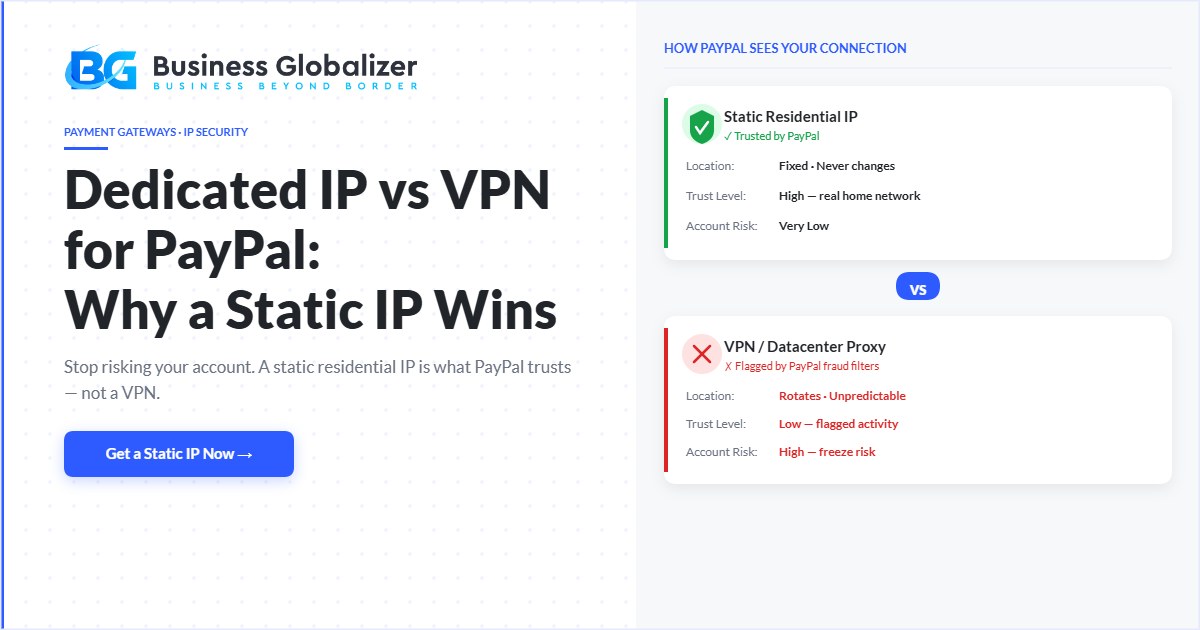
Using a VPN to manage your PayPal account as a non-resident sounds logical, but it can get your account flagged or limited. A static residential IP gives PayPal the consistent, trustworthy signal it needs without triggering fraud detection.
Quick Answer
For non-residents using PayPal: a static residential IP is safer than a VPN because it mimics a real home connection rather than triggering PayPal fraud filters. VPNs rotate IPs and use datacenter servers; both are red flags for PayPal. A dedicated residential IP stays consistent, lowers your risk of account flags, and works for managing multiple PayPal accounts when used correctly.
Static Residential Proxy vs. VPN vs. Datacenter Proxy: A Quick Look
Let’s break it down in plain language:
Static Residential IP Proxy
It gives you a real, fixed IP from a genuine home network, like you’re logging in from your own place. PayPal sees it as stable, natural, and trustworthy.
VPN (Virtual Private Network)
VPNs bounce your connection around different servers. That means your location changes often; PayPal sees that and thinks something fishy is going on.
Datacenter Proxy
These come from server farms, not homes. They’re fast but unreliable and often shared or recycled. PayPal doesn’t love them either.
Moral of the story? If you’re serious about keeping your PayPal account safe, go with a static residential IP. No question about it.
Why VPNs and Datacenter Proxies Are a Problem
Sure, VPNs and datacenter proxies sound easy and affordable, but here’s the catch:
- Your IP changes all the time.
- PayPal picks up on those changes instantly.
- Your account gets flagged, limited, or locked out.
You might suddenly be asked for identity verification, even if nothing else has changed. Worst case, your account could be frozen or permanently limited.
That’s why we tell our clients: don’t risk it.
Pro Tip: Struggling with a PayPal limitation? Learn How to Recover a PayPal Account Quickly and Easily!
Why Static Residential IP Proxies Are Safer
With a static residential proxy, your IP stays the same, and it looks like it’s coming from a real, lived-in location. PayPal sees that and says, “Yep, this looks normal.”
- Your login location doesn’t jump around
- It mimics a real user’s behavior
- You avoid those annoying red flags
If you can get a proxy with a fixed zip code, even better. That little detail adds another layer of consistency that PayPal loves.
Managing Multiple PayPal Accounts? Here’s What to Know
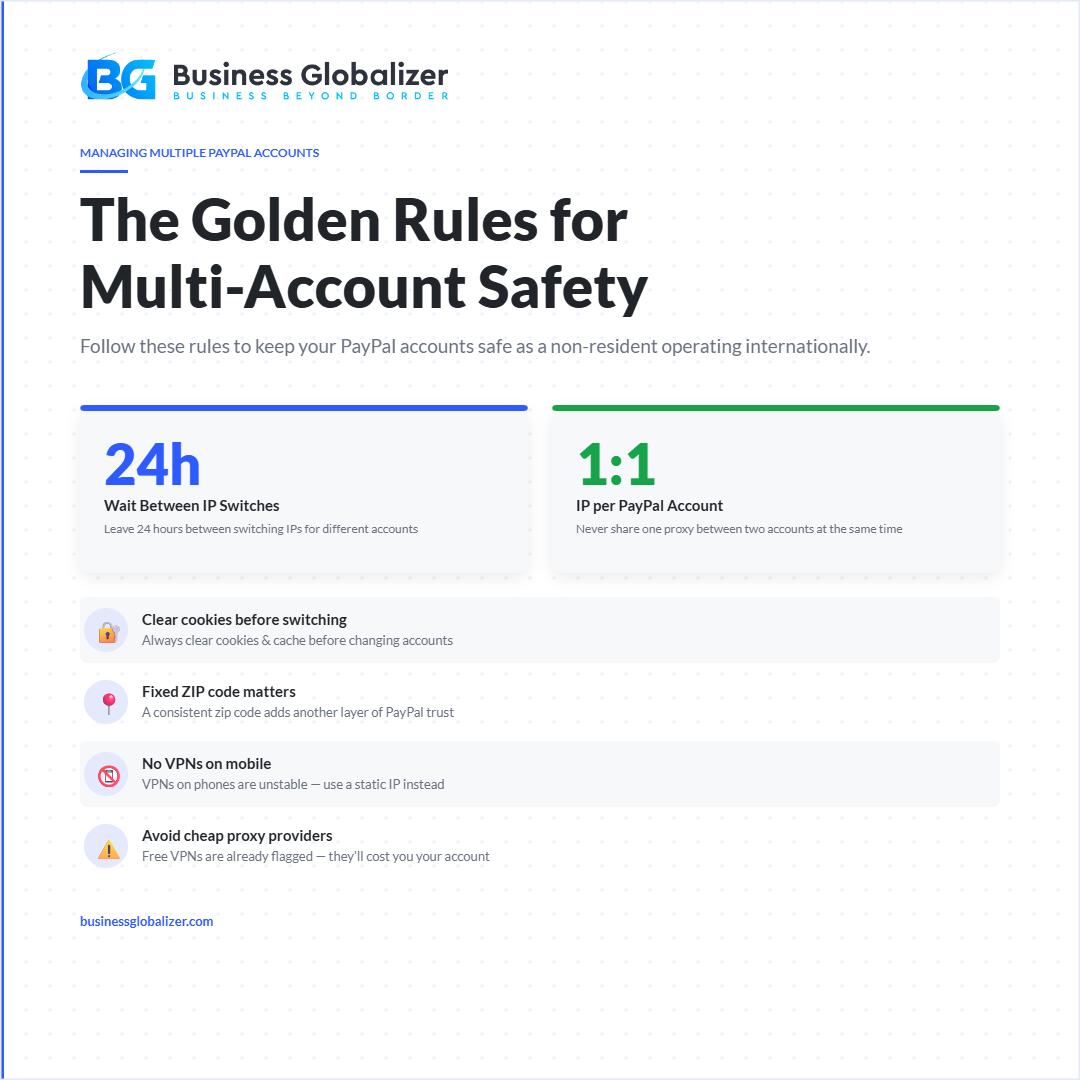
PayPal’s User Agreement allows one personal account and one business account per user. If you’re managing both, here’s how to do it without triggering flags.
Always clear your cookies and cache before switching between accounts.
Leave at least 24 hours between IP switches for different accounts.
That 24-hour gap also keeps your account activity looking natural and consistent; which is the whole point of using a static IP in the first place.
And here’s the golden rule:
Never use the same proxy for two accounts at once, and never switch proxies too quickly.
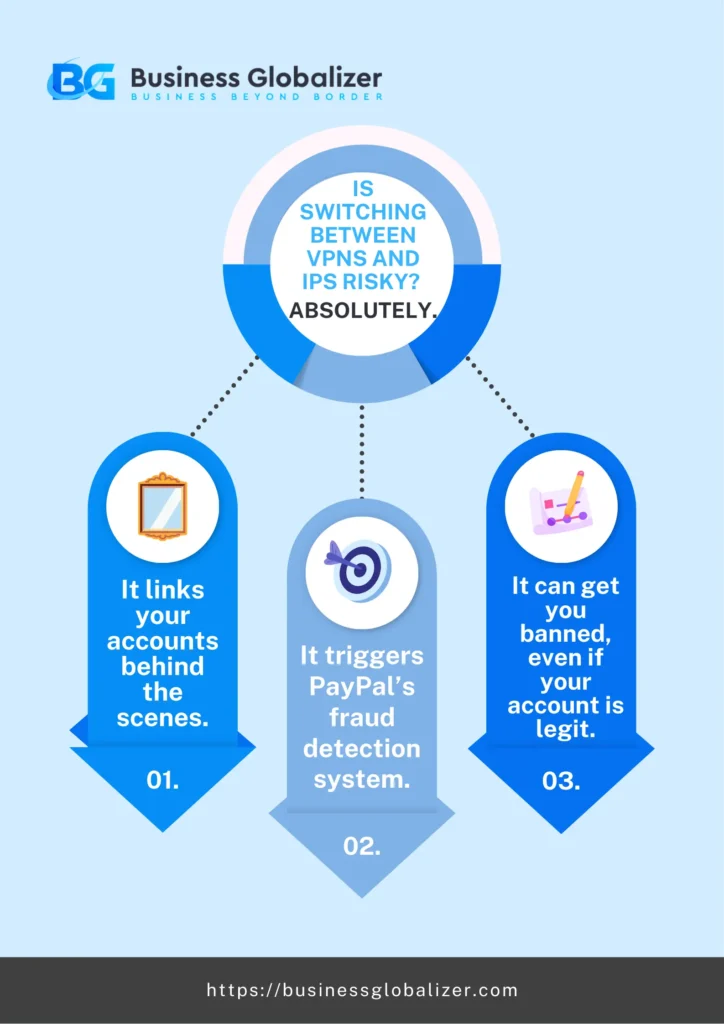
Is Switching Between VPNs and IPs Risky? Absolutely.
Jumping from one VPN to another or flipping IPs too fast? That’s a red flag waiting to happen.
- It links your accounts behind the scenes.
- It triggers PayPal’s fraud detection system.
- It can get you banned, even if your account is legit.
So What’s the Fix?
Stick to one static residential IP for each account, and follow that 24-hour rule if you ever have to switch.
Best Practices for Non-Residents Using PayPal
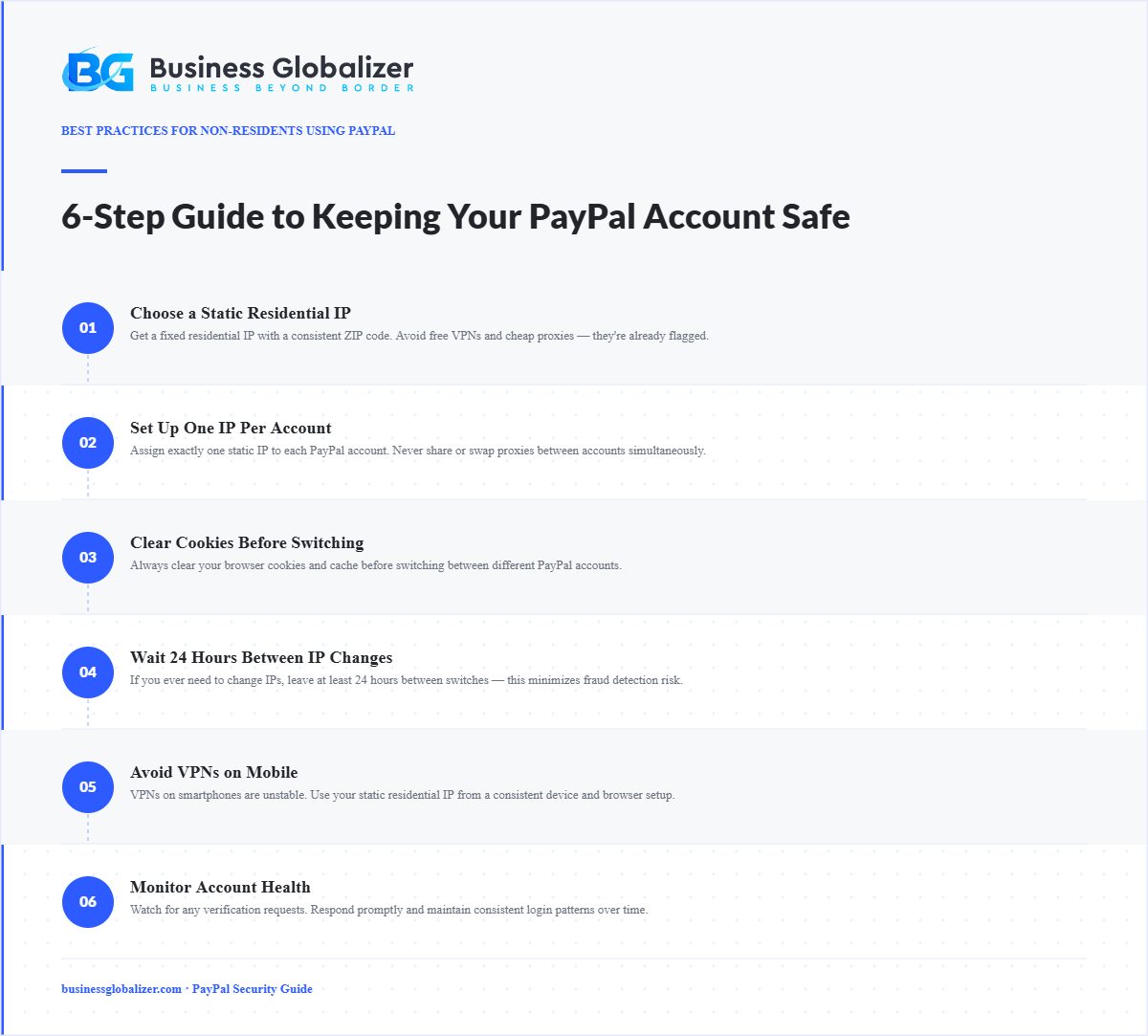
We know, most people use their phones to check PayPal. But here’s the thing:
- VPNs on phones? Super unstable.
- Managing cookies and sessions? Way harder on mobile.
That’s why we always recommend you set up your proxy on a laptop specifically with a portable browser (a separate browser instance that doesn’t share cookies or login sessions with your main browser; Firefox Portable is a common option). You’ll have more control, better stability, and a safer account in the long run.
If your business depends on PayPal, it’s worth doing it the right way.
Interested in learning How to Open a PayPal Account from Bangladesh? Check our blog!
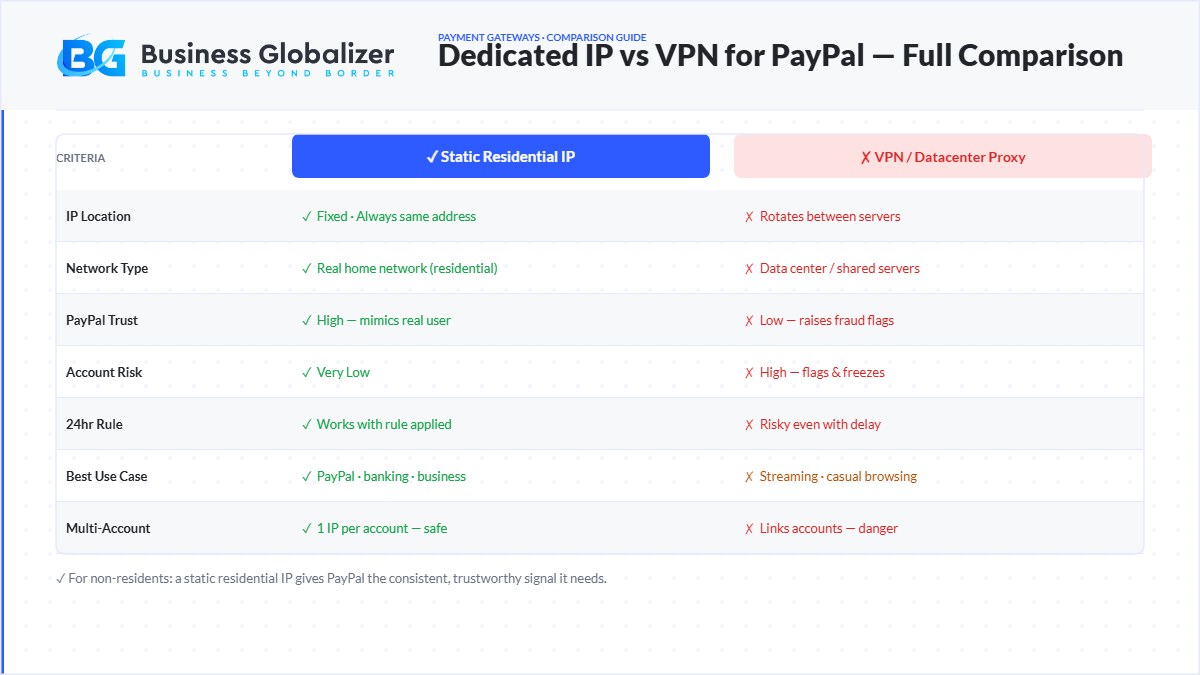
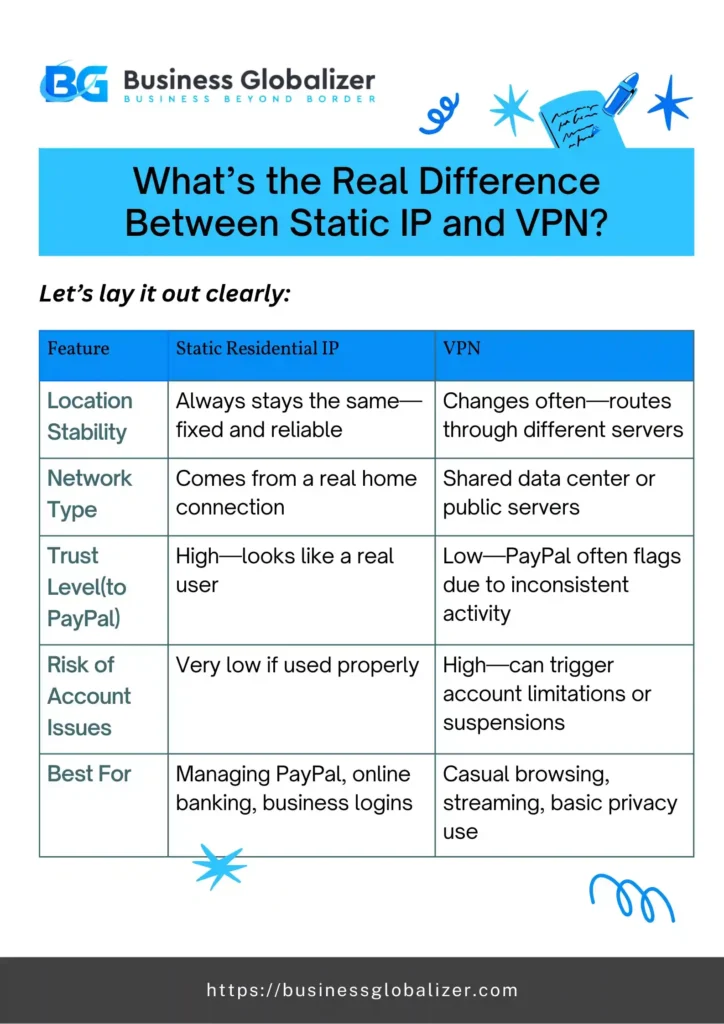
What’s the Real Difference Between Static IP and VPN?
Let’s lay it out clearly:
| Feature | Static Residential IP | VPN |
| Location Stability | Always stays the same; fixed and reliable | Changes often; routes through different servers |
| Network Type | Comes from a real home connection | Shared data center or public servers |
| Trust Level (to PayPal) | High; looks like a real user | Low; PayPal often flags due to inconsistent activity |
| Risk of Account Issues | Very low if used properly | High; can trigger account limitations or suspensions |
| Best For | Managing PayPal, online banking, and business logins | Casual browsing, streaming, basic privacy use |
Before You Buy, Be Careful
This is important. Not all IP proxies are created equal.
Don’t fall for free VPNs; they’re unstable and already flagged.
Avoid cheap proxy providers; you get what you pay for, and it could cost your account.
Always do your research, compare providers, and check for fixed zip code IPs. That little detail makes a huge difference.
Quality matters. Your PayPal account is worth protecting.
Final Thoughts
Managing a PayPal account from abroad doesn’t have to be risky or stressful. With the right setup, you can use your account confidently, without worrying about limits, flags, or bans.
Your IP is more than just a number. It’s your digital footprint. So make sure it’s stable, clean, and consistent.
That’s why we recommend static residential IP proxies. They work. And they’ve helped our clients stay safe, smooth, and successful.
Need help picking the right setup? Business Globalizer has got you. Just reach out to us!
Setting up PayPal for your US business as a non-resident?
Business Globalizer helps international entrepreneurs form US companies, get EINs, open US business bank accounts, and set up PayPal Business or Stripe accounts, all without traveling to the US.
Key Takeaways
-
- VPNs rotate IP addresses; PayPal treats this as suspicious activity and may flag or limit your account.
-
- A static residential IP mimics a real home internet connection, giving PayPal consistent trust signals.
-
- Datacenter proxies are the most dangerous option for PayPal, most likely to be blacklisted.
-
- When managing multiple PayPal accounts, clear cookies between sessions and wait 24 hours between IP switches.
-
- Non-residents need a US LLC or C-Corp, EIN, and a US bank account to fully qualify for a PayPal Business account.
FAQ
Can I Just Use a VPN if I Already Have One?
Technically, yes—but we really don’t recommend it. VPNs change your IP often, and PayPal sees that as suspicious. Even if it works for a while, it could lead to limitations down the road. Why take that risk?
What Makes a Static Residential IP Different from a Regular Proxy?
Great question. A static residential IP comes from a real home internet connection, meaning it looks natural and trustworthy to PayPal. Regular proxies (especially datacenter ones) don’t have that “real user” look, and that’s what PayPal flags.
Can I Manage Multiple PayPal Accounts from One IP?
PayPal permits one personal account and one business account per user. If you’re managing both, here’s how to keep them separate and clean. Always clear your cookies and cache between accounts (we may suggest using separate portable browsers for multiple accounts), and give it at least 24 hours between switching IPs. That gap keeps your account activity looking natural and consistent, which is the whole point of using a static IP in the first place.
Is It Safe to Use Mobile VPNs for PayPal Access?
Honestly, no. Mobile VPNs are even more unstable than desktop ones. If you’re serious about keeping your PayPal account safe, set up your static IP proxy on a laptop or desktop. Trust us, your account is worth the extra step.
Are Free or Cheap Proxies Okay to Try Out First?
Short answer: don’t. Free or ultra-cheap proxies are usually overused, unstable, or blacklisted. They might look like a bargain, but they’re risky and could cost you your account. We strongly recommend checking the Proxy’s health before using it. Stick with a trusted provider that offers fixed-location IPs.
What’s This About Fixed Zip Codes? Why Does That Matter?
Some top-tier proxy providers offer IPs locked to a specific zip code. That level of consistency builds even more trust with PayPal. It’s like saying, “Hey, I log in from the same spot every time.” PayPal loves that.
What if I’ve Already Used a VPN? Am I Doomed?
Nope, not doomed. But you should make the switch now. Clean your cookies, or use a portable browser, set up a proper static residential IP, and give your account time to stabilize. The sooner you start building trust with a consistent IP, the better.
Set Up PayPal Business for Your US Company
Business Globalizer handles everything non-residents need to accept PayPal and Stripe payments in the US: company formation, EIN, US bank account, and merchant account setup.